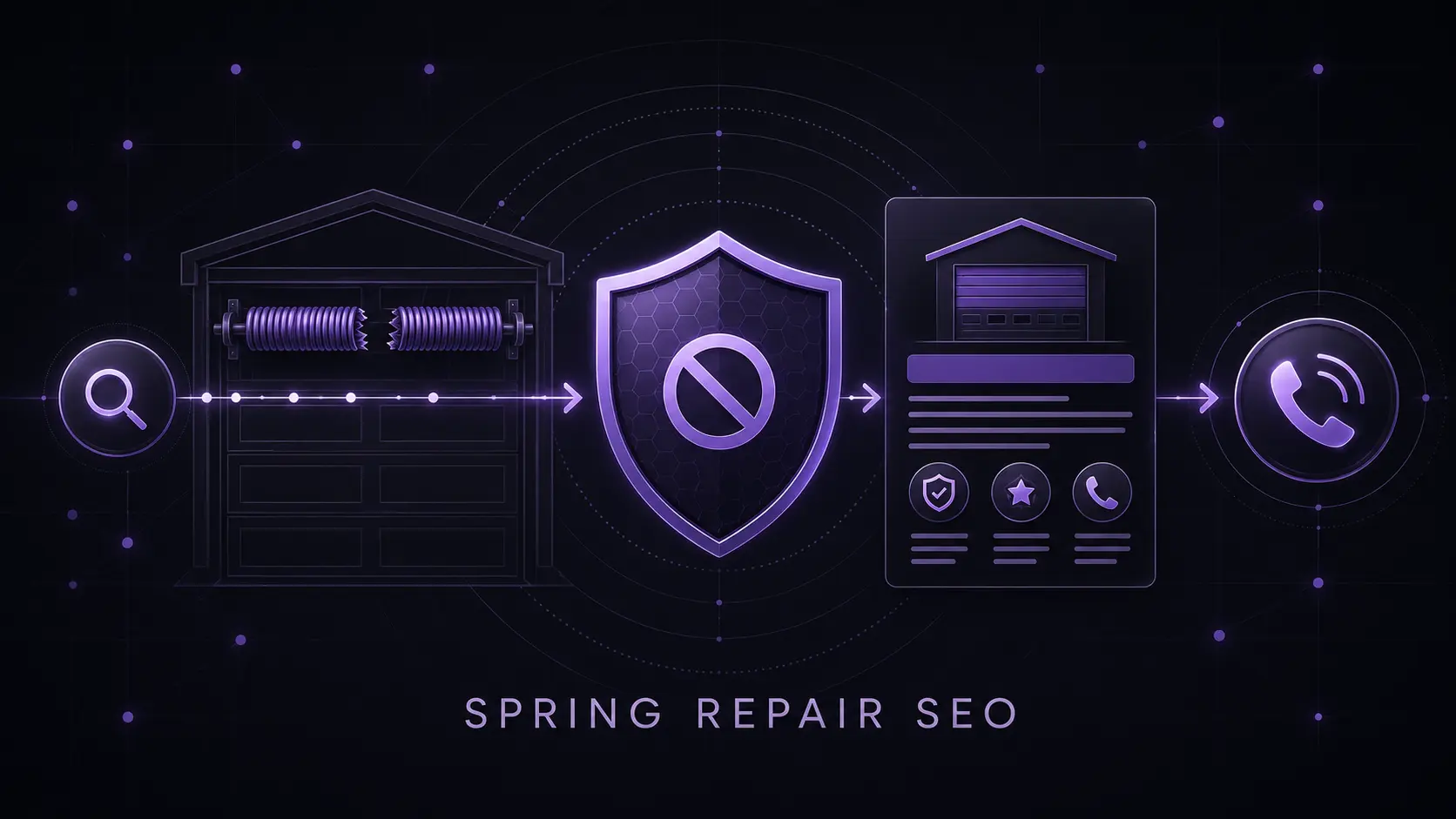
Broken-spring searches sit at the intersection of urgency, safety, and commercial intent. Yet many garage door websites choose one of two weak extremes: a thin page that says little beyond “call now,” or a detailed repair tutorial that attracts do-it-yourself traffic and explains work a homeowner should not attempt. A stronger page helps the visitor recognize the situation, stop unsafe action, understand the professional service, confirm local availability, and make a qualified call.
01
The answer: satisfy the decision, not every possible query
A useful broken-spring page does not need to teach spring replacement. It needs to support the homeowner’s next safe decision. State what the service covers, which visible symptoms may indicate a serious door-system problem, what not to operate or touch, how the company evaluates the job, where it genuinely works, and how to reach a qualified professional.
Google’s people-first guidance asks whether content provides substantial, complete information and value beyond the obvious. Its SEO Starter Guide also recommends natural writing, descriptive headings, useful internal links, and language readers actually use. None of that requires publishing hazardous step-by-step instructions.
EdgeLocal viewpoint: the best service page earns trust by knowing where to stop. It should be specific about the customer’s problem and the company’s process, while leaving high-tension repair procedures to trained door-systems technicians.
02
Separate symptom education from repair instruction
Homeowners commonly describe a loud sound, a door that feels unusually heavy, an opener that runs without lifting the door, a visible gap in a spring, loose cables, or a door sitting unevenly. A page can organize those observations as reasons to stop and request an inspection. It should not present them as a remote diagnosis.
The safety boundary matters. DASMA says spring systems are dangerous and should be repaired only by trained professionals. Its technical guidance warns that springs and spring hardware are under high tension and says consumers should not remove, repair, or adjust springs, cables, brackets, or related mounting parts.
Do not publish winding counts, tool placement, cable-release procedures, conversion instructions, or “temporary fixes” for a compromised door. Avoid instructions that ask a homeowner to stand beneath, force, disconnect, or manipulate a door that may be unbalanced. The purpose of symptom content is triage, not remote authorization to repair.
03
Build the page around a real service conversation
The strongest differentiator is usually the company’s actual operating process. Explain what the dispatcher needs to know, what the technician inspects, how quote variables are determined, whether both springs are evaluated as part of the system, what warranty information is provided, and how the company handles a door that cannot be safely secured.
Only publish facts the operation can consistently fulfill. If same-day appointments depend on schedule and parts, say so. If after-hours calls are answered but technicians are not dispatched overnight, make that distinction. If a quoted range changes by door size, spring system, access, or related damage, explain the variables instead of posting an artificially low teaser price.
This turns the page into a pre-qualification tool. The visitor understands what information to share, the office receives a better call, and the technician arrives with fewer surprises. The urgent-call conversion guide shows how to carry that clarity into the mobile call path.
04
Match commercial intent without keyword stuffing
Use one primary service page for the core broken-spring repair intent unless the business truly offers distinct services that deserve separate treatment. Natural supporting language can cover torsion and extension springs, heavy or stuck doors, spring inspection, cables, balance, residential garage doors, response area, and professional repair. It does not need to repeat “garage door spring repair near me” in every heading.
Link the page from the repair hub, relevant location pages, navigation or service menus, and closely related guides. Link back to broader trust and safety resources where they help a reader. Google notes that crawlable links and descriptive anchor text help people and search engines understand connected pages.
Do not clone the page for every suburb. When a market earns a distinct location page, give that page its own useful operating evidence and link it to the central spring-repair service. The location-page framework and service-radius analysis help keep service coverage accurate.
05
Design the mobile page for an urgent, cautious reader
The first screen should answer four questions quickly: Do you handle this problem? Is it unsafe to keep operating the door? Do you serve this location? How can the homeowner reach you? Keep the call button visible, use a readable phone number, and set an honest response expectation.
Follow with concise symptom guidance, the professional service process, trust evidence, coverage, frequently asked questions, and the final call action. Use original job photographs only with permission and accurate captions. Avoid dramatic injury imagery, countdown timers, fake scarcity, or a wall of warning icons; urgency is already present in the customer’s situation.
The page should remain useful even when a visitor is not ready to call. Clear safety information can prevent a bad decision, while a transparent explanation of professional service can make the eventual inquiry more informed.
06
Measure qualified spring-repair outcomes
Track the page’s search impressions, organic entrances, engaged visits, phone clicks, form starts, completed inquiries, qualified spring-repair leads, booked jobs, and gross profit. Label calls by problem and market. A traffic increase is incomplete if the page mostly attracts do-it-yourself researchers outside the service area.
Listen for friction in real calls. If homeowners repeatedly ask whether the company serves their ZIP code, clarify coverage. If they expect a price the company cannot honor, improve the cost explanation. If dispatchers repeatedly correct unsafe assumptions, move the safety boundary higher on the page.
Connect the work to the broader garage door SEO system and AI citation-readiness audit. Clear, sourced safety information and a specific operating process can help both people and answer systems understand the page, but rankings, citations, calls, and booked jobs are never guaranteed.
Reviewed July 27, 2026. Safety boundaries are based on current DASMA and U.S. CPSC material. Search and content recommendations are based on current Google Search Central guidance. The Safe-Intent Matrix and commercial framework are EdgeLocal analysis, not remote diagnosis, repair instruction, legal advice, or a promise of search performance.
Sources and methodology
Sources checked for this guide
Source links support the platform, search, or safety facts stated above. The diagnostic framework and commercial recommendations are EdgeLocal analysis.
Measure the qualified-call opportunity
Estimate what a safer, clearer spring-repair call path could be worth.
Use the free ROI calculator to model additional qualified leads, close rate, average job value, gross margin, and the break-even point for an EdgeLocal plan.
Run the free ROI calculator