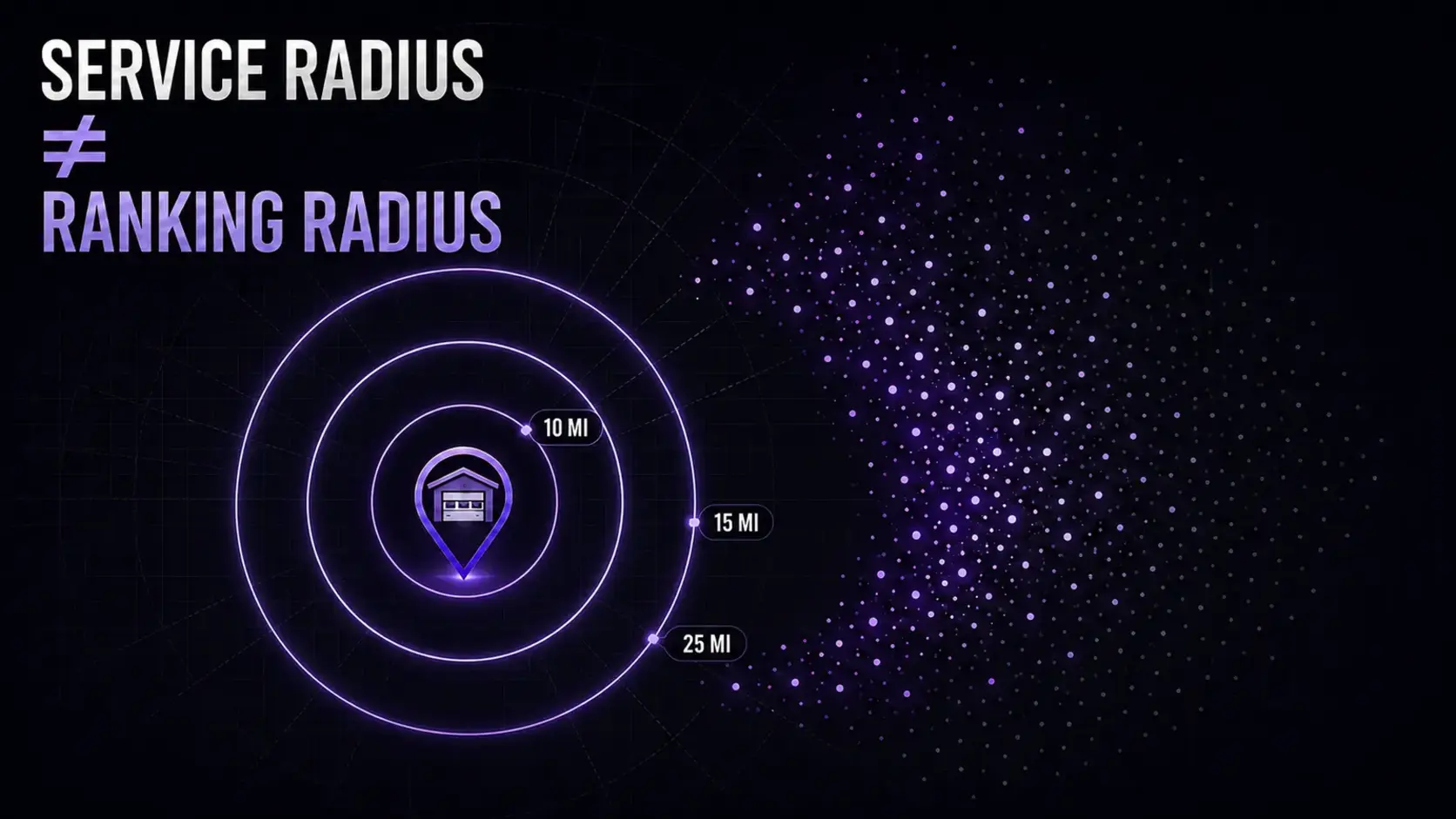
A garage door company may be operationally capable of serving a 25-mile radius and still appear inconsistently across that market. The service radius describes where your team can work. It does not tell Google where your company must rank. A useful growth plan measures the two separately, then invests where visibility, conversion, and job economics overlap.
01
The answer: you are managing three different radii
The first is your operational radius: the area where a technician can reach a homeowner quickly enough and complete the work profitably. The second is the service area stated on your Google Business Profile. Google currently asks service-area businesses to name cities, postal codes, or other areas rather than draw a radius. It allows up to 20 service areas and says the overall boundary generally should remain within about two hours of the business base.
The third is your visibility footprint: the places where a homeowner can actually find you for a specific search. Google says local results are mainly based on relevance, distance, and prominence. Distance is measured from the person searching, so the results can change as that person moves across the market. Adding a city to the profile accurately describes coverage. Google does not say that doing so creates a ranking entitlement in that city.
EdgeLocal viewpoint: package radii should define campaign planning, production, and measurement. They should never be presented as a guarantee that every searcher inside a circle will see the same ranking.
02
Why confusing the radii becomes a revenue problem
The obvious symptom is a rank report that looks strong near the office and weak at the edge of the market. The larger problem is that the business may spend time creating pages, collecting citations, or buying leads for areas that produce slow arrivals, more cancellations, and less gross profit.
For an urgent repair search, the commercially useful market is not simply every place a truck can reach. It is the overlap between profitable dispatch coverage, meaningful demand, credible local relevance, and a conversion path that turns the click into a booked job.
That is why rankings without qualified calls are incomplete. A wider map footprint is valuable only when the calls fit the operation.
03
Run a 30-minute service-area diagnosis
Start with operations, not keywords. Export the last 60 to 90 days of completed jobs and group them by city or postal area. Add average drive time, ticket value, gross margin when available, cancellation rate, and whether the job created a return visit. This establishes the places the company serves well in the real world.
Next, compare that map with the service areas on the Business Profile and the markets named on the website. The profile and website should tell the same accurate business story. Remove areas you no longer serve and do not add aspirational cities that dispatch would routinely decline.
Finally, check visibility from multiple points for a small, consistent set of buyer-intent searches. Use the same search terms, grid points, and dates when comparing results. A single search from the office is not a market measurement.
- Mark the profitable core where service, visibility, and close rate are already strong.
- Mark the opportunity ring where operations are strong but visibility is inconsistent.
- Mark the exclusion ring where drive time or lead quality makes growth unattractive.
- Recheck calls and booked revenue before expanding the next ring.
04
Match the fix to the actual cause
If visibility is weak close to the business base, distance probably is not the only explanation. Audit category accuracy, services, website alignment, reviews, crawlability, internal links, and whether the core repair pages clearly answer the search. The free Google Business Profile checklist can expose the first layer of those gaps.
If the company performs well near the center but fades toward a profitable neighboring market, test whether that market deserves a distinct, useful page. The page should include real service details, locally relevant proof, accurate response expectations, and internal links. It should not be a city-name swap. Use the service-area page planner to design the hierarchy before publishing anything.
If the business receives calls from the outer market but rarely books profitable work, the SEO may not be the problem. Tighten the target, dispatch rules, or offer before trying to manufacture more demand there.
05
Do not manufacture proximity
A virtual office is not a shortcut to a new map center. Google's representation guidelines say a virtual office is not eligible unless the business actually operates there, and a service-area business generally should use one profile for its central office or real location. Separate profiles are appropriate only for real locations with separate staff and service areas that meet the rules.
Duplicating near-identical city pages is not a safer alternative. Google's spam policies identify substantially similar regional pages that funnel users toward the same destination as doorway abuse. A small set of excellent pages can outperform a thin directory of cities because each page has a clear job, evidence, and place in the site architecture.
06
How EdgeLocal uses 10, 15, and 25-mile planning radii
EdgeLocal's package circles are straight-line planning radii. They make the campaign scope visible: which markets are researched, tracked, prioritized, and supported with content and authority work. They are not a claim that Google uses the same circle or that a business will hold one uniform position throughout it.
The practical sequence is core first, opportunity ring second, expansion third. Strengthen the areas closest to profitable demand, measure qualified calls and booked work, then expand only when operations and evidence support it. You can visualize the three planning scopes with the free interactive service-area map.
Reviewed July 22, 2026. Google documentation is the source for platform rules and stated ranking factors. The diagnostic framework and commercial interpretation are EdgeLocal analysis.
Sources and methodology
Sources checked for this guide
Source links support the platform, search, or safety facts stated above. The diagnostic framework and commercial recommendations are EdgeLocal analysis.
Map the market honestly
Compare your real operating radius with the market you want to win.
Use the free coverage map to visualize EdgeLocal's 10, 15, and 25-mile planning radii, then use the service-area page planner to prioritize only the markets your team genuinely serves.
Map your service radius