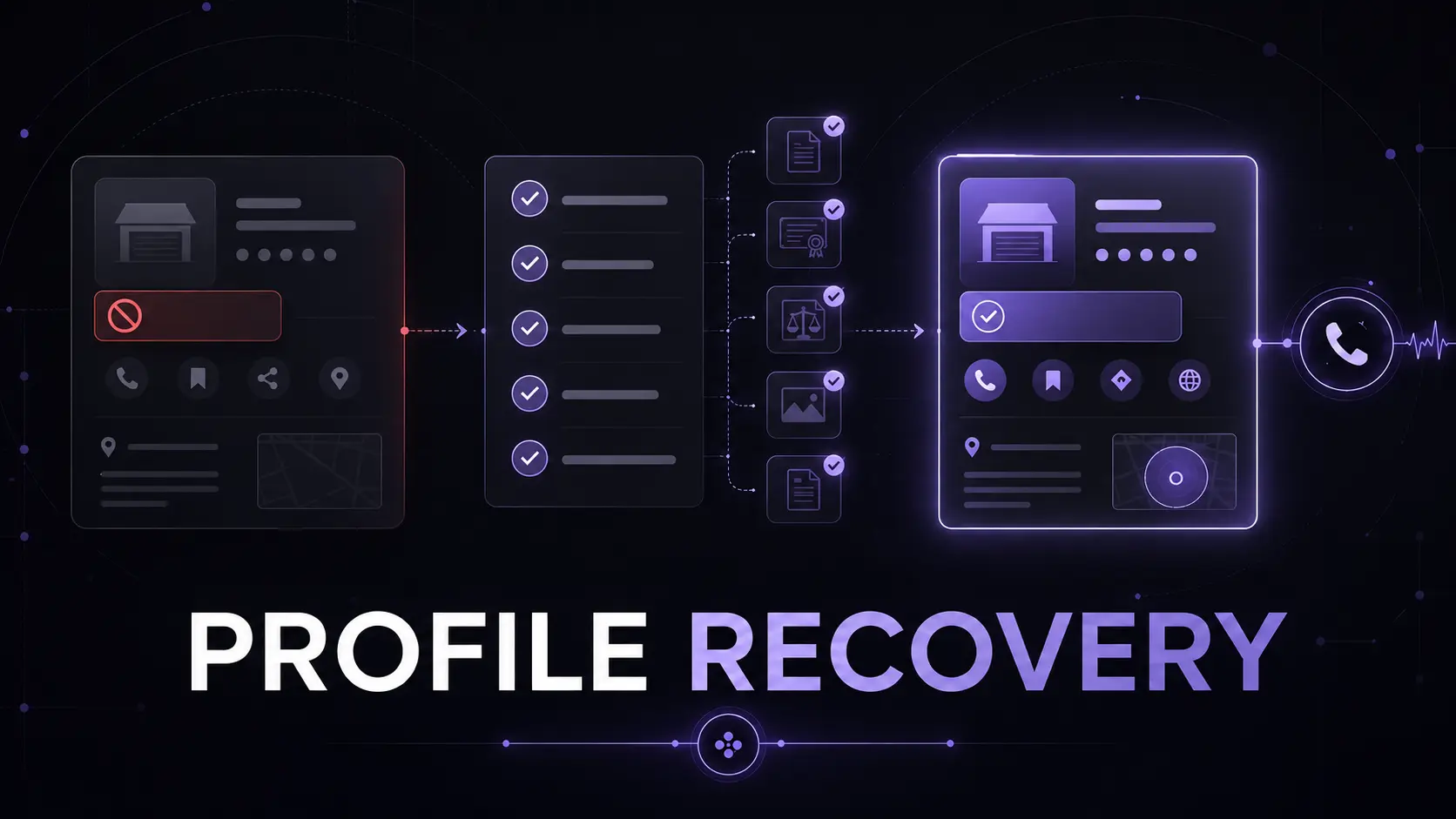
When a garage door company’s Google Business Profile is suspended, the immediate pain is visibility: customers may no longer be able to reach the public profile, and the owner cannot manage it normally. The safest response is not to create a replacement listing or rush through repeated appeals. Freeze unnecessary edits, diagnose the exact eligibility or representation gap, make the profile and evidence agree, and then submit one organized appeal.
01
The answer: correct first, appeal second
Google says it may suspend or disable profiles that do not follow its guidelines. Its appeal tool can show the restricted profile, the moderation reason, and a link to the relevant policy. Treat those details as the starting point for diagnosis, not as a cue to defend every existing field unchanged.
First, record the current profile ID, managers, visible business details, suspension notice, and appeal status. Then pause nonessential edits. Compare the cited policy with the company’s real operating model and supporting records. Correct clear violations before submitting the appeal; an explanation cannot make an ineligible address or misleading name compliant.
EdgeLocal viewpoint: a Business Profile is a representation of the operation, not a lead-generation canvas where every field should be pushed to its limit. Recovery is strongest when the real company, public website, profile settings, and documentary evidence describe the same business.
02
Diagnose the business name and location honestly
Start with the business name. Google’s representation guidelines call for the name used consistently in the real world. Remove added repair keywords, city names, phone numbers, hours, or promotional language unless they are genuinely part of the established business name. A keyword-rich listing name is not worth building around if the company cannot document it.
Next, classify the location correctly. A garage door company that travels to customers and does not receive them at its base should be configured as a service-area business with the address hidden. A hybrid business can show an address only when customers are genuinely served there and the location meets storefront requirements, including permanent on-site signage.
Do not use a P.O. box, remote mailbox, virtual office, or unstaffed coworking space to manufacture proximity. For multiple profiles, each location must independently qualify. A service truck covering another city does not automatically create an eligible second location.
03
Make the service area precise, not aspirational
Google currently requires service areas to be entered as cities, postal codes, or other named areas rather than as a radius. It allows up to 20 service areas and says the overall boundary generally should not extend more than about two hours of driving from the business base.
Those limits are ceilings, not a strategy. List the markets the dispatch team genuinely serves with acceptable response times and job economics. If the website claims dozens of locations that the company rarely reaches, correct that mismatch. The service-radius analysis separates operational coverage from ranking visibility, while the location-page guide explains why thin city pages are not a substitute for a legitimate operating footprint.
Changing the service area does not guarantee reinstatement or broader rankings. It simply makes one important fact more accurate. Qualified calls still depend on eligibility, proximity, relevance, prominence, website quality, trust, and conversion.
04
Build one evidence packet before opening the form
Google says evidence may include official business registration, a business license, tax certificates, and utility bills such as electricity, phone, water, or internet. It advises that the business name and address on submitted documents match the profile being appealed.
For a garage door service-area business, organize documents around three questions: Is this a real business? Does it operate from the stated base? Does the person appealing control it? Useful supporting material can include consistent registration and license records, a matching utility or phone bill, invoices, a branded vehicle, professional tools, and other records that reflect the same business identity. Submit only relevant material and redact sensitive information where the process permits.
Prepare the files and a short explanation in advance. Google states that once the appeal evidence form is opened, the evidence must be submitted within 60 minutes to be attached to the appeal. The goal is a small, coherent packet—not a folder of unrelated screenshots.
05
Submit one clean appeal and protect the review process
Use the Google account connected to the affected profile, select the correct business, review the moderation reason, and submit the appeal only after the profile follows the cited guidelines. If the evidence option appears, attach the prepared packet and explain the correction plainly: what was wrong or unclear, what changed, and which documents verify the accurate business.
Google explicitly says not to create a new Business Profile for the same business while an appeal is under review. It also advises against multiple appeals for the same issue. A duplicate can create another conflict rather than restore the original listing.
If the appeal is denied, Google may allow an additional review with new evidence. Do not simply resubmit the same argument. Recheck the eligibility model, profile managers, duplicate listings, website facts, name, address handling, and documents. If a Google Account restriction is involved, Google says that account restriction must be addressed before the Business Profile suspension can be lifted.
06
Prevent the next suspension with change control
After reinstatement, limit profile access to people who need it, remove unknown managers, and document the approved name, location type, hidden or visible address, categories, service areas, hours, and website URL. Require a second review before changing high-risk fields such as the name, address, primary category, or ownership.
Keep proof current. Google’s video-verification guidance for service-area businesses may ask for nearby location markers, professional tools or equipment, and proof of management such as access to a branded vehicle or matching business documents. A company should be able to demonstrate those facts without staging a fictional storefront.
Use the Google Business Profile guide, review integrity workflow, and free checklist to review the profile quarterly. EdgeLocal’s method is simple: eligibility first, consistency second, optimization third, and qualified-call measurement throughout.
Reviewed July 26, 2026. Appeal steps, evidence examples, service-area limits, and verification requirements are based on current Google Business Profile documentation. The Evidence-Before-Appeal Board and operational recommendations are EdgeLocal analysis. No agency can guarantee reinstatement, ranking recovery, review timing, or lead volume.
Sources and methodology
Sources checked for this guide
Source links support the platform, search, or safety facts stated above. The diagnostic framework and commercial recommendations are EdgeLocal analysis.
Audit before the next edit
Make the profile, website, and real operation tell one defensible story.
Use the free 100-point Google Business Profile checklist to review identity, categories, services, hours, reviews, website alignment, and the customer path before a high-stakes profile change.
Run the free GBP checklist